
· 7 min read · Last reviewed
How a Wordabulary Practice Session Works
By the Wordabulary Team
Practice is the part of Wordabulary you will probably use most. It is built around a simple idea: see one word, think about it, and say whether it stuck. This guide walks through a session so you know what to expect, and then covers a few habits that make the minutes count.
Before your first session
Practice needs a free account, as do the quiz and the word library. If you have not taken the placement quiz yet, Wordabulary asks you to do that first. It is a short set of questions that estimates your current level, so your sessions can start at the right difficulty instead of at the very beginning. The full story is in how the placement assessment works.
Once that is done, you can open Practice from the dashboard whenever you like.
What a card shows
Each card shows one word. Below the word you will see:
- The definition, in plain English
- The word type, such as noun, verb or adjective
- An example sentence, so you can see the word in use
- A button to hear it, which reads the word aloud using your browser's built-in speech
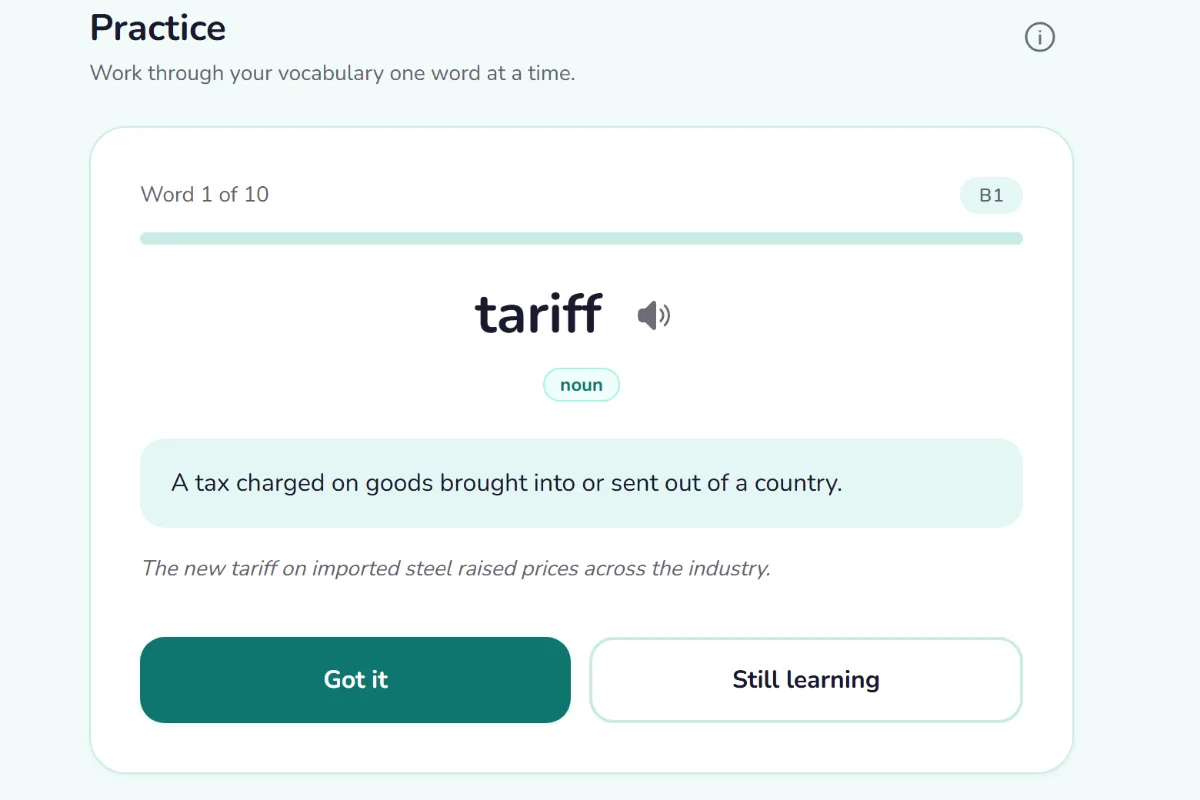
A practice card: the word, its meaning, an example sentence, and the two answer buttons.
The example sentence is easy to skip, but it is often the most useful part. A definition tells you what a word means. A sentence shows you what it sits next to, which is what you need when you want to use it yourself. The hear button is there so you can connect the spelling to the sound. You can switch between British and American accents, and if your device offers several voices, you can pick the one you prefer.
Two answers: Got it and Still learning
After you read the card, you choose one of two buttons.
Got it means you know this word. Wordabulary takes that as a sign the word is settling in, so it will appear less often from now on.
Still learning means it has not stuck yet. The word stays in the mix and comes back around sooner.
Points are given for the words you mark Got it, but practice only works if the answers are honest. If you click Got it when you are only half sure, the app will show the word less often than you need, and you will have traded a few points for a word you still do not know. A good rule is to ask yourself whether you could explain the word to someone else, or use it in a sentence, without looking. If not, press Still learning. It costs nothing, and the word gets another chance sooner.
This idea, deciding for yourself whether you really recall something, ties in with what researchers call active recall. If you want the background, see active recall versus rereading.
How the words are chosen
Words are picked to match your level. Sessions lean toward words you have not seen yet at your current level, so you keep meeting new material. When fewer new words are left at your level, the session fills up with words you found tricky before, along with a few you already know well so that they do not fade.
Your level is not fixed. It shifts as you practice, which is why the first assessment is only a starting point.
A session is ten words by default. If you want shorter or longer sessions, open Settings and choose anywhere between 5 and 20. A shorter session is a good choice if you are building a daily habit, and a longer one suits a day when you have more time.
When you finish
At the end of a session you will see a "Well done" screen, and your points, streak and any new badges are updated. A streak counts any calendar day on which you finish at least one practice session or quiz. Missing a full day resets it, and doing several sessions in a day still counts as one day.
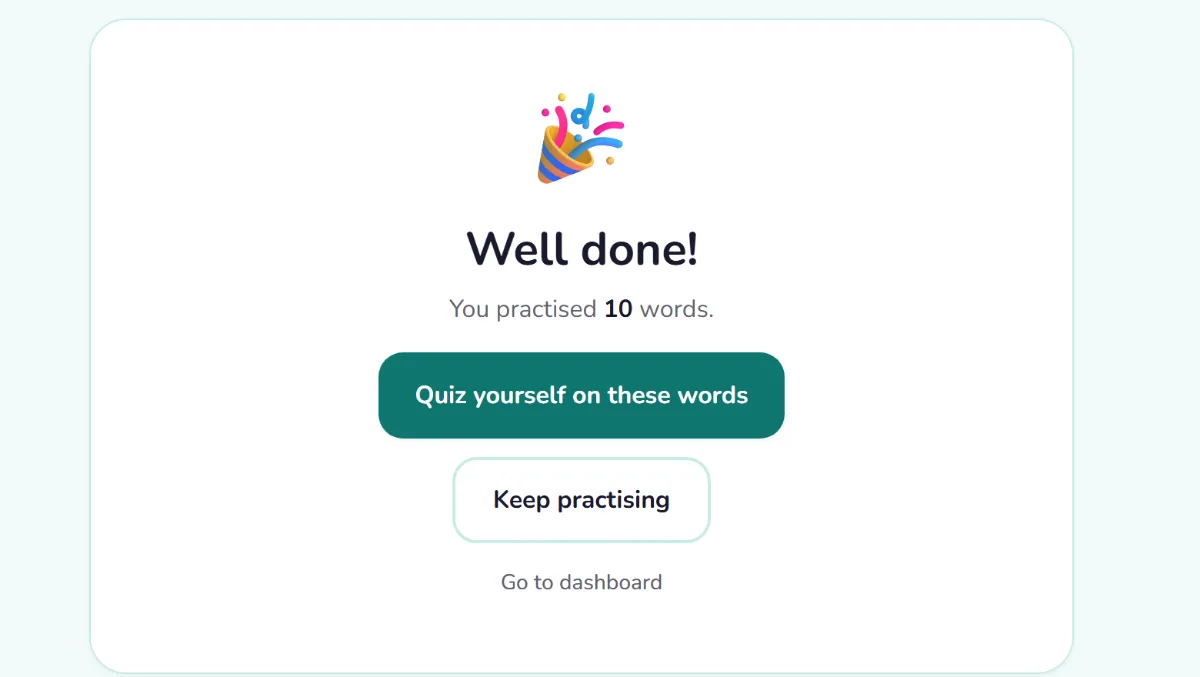
The Well done screen at the end of a ten-word session.
You then have a few choices:
- Quiz yourself on these words starts a short quiz made from the words you just practiced. Testing yourself straight away is a good way to find out which ones really stuck. There is more on quiz types in quiz formats.
- Keep practising starts another session.
- Go to dashboard takes you back to your progress.
Free accounts have a daily limit on the number of practice and quiz sessions, and Wordabulary shows a small notice when you are close to it. Pro removes the limit.
Making a session count
A few habits help, and none of them takes extra time.
Say the word out loud. Press the hear button, then repeat the word. Using your voice makes the word more memorable than reading silently.
Make up a sentence of your own. For words you want to keep, think of a quick example from your own life. A personal sentence sticks better than a textbook one.
Be strict with Got it. The most useful setting is the one that tells you the truth about what you know.
Practice a little every day. Short, regular sessions fit the way memory works much better than one long session each week. The idea is explained in how spaced repetition works.
Look up words that interest you. Each word has its own page, with its level and sometimes synonyms and a usage note. If a card makes you curious, it is worth a minute.
A typical ten-minute session
To make this concrete, here is how a session might go:
- You open Practice and see your first word, with its definition and an example.
- You read the sentence, press the hear button and try to recall the meaning before checking.
- You press Got it for the words you knew and Still learning for the rest.
- After ten words, you see your result and any badge you earned.
- You choose the quick quiz, and answer a few questions on the same ten words.
That is all there is to it. The app does the scheduling and the selection, and your job is to pay attention and answer honestly.